All Users: Prepare this week!
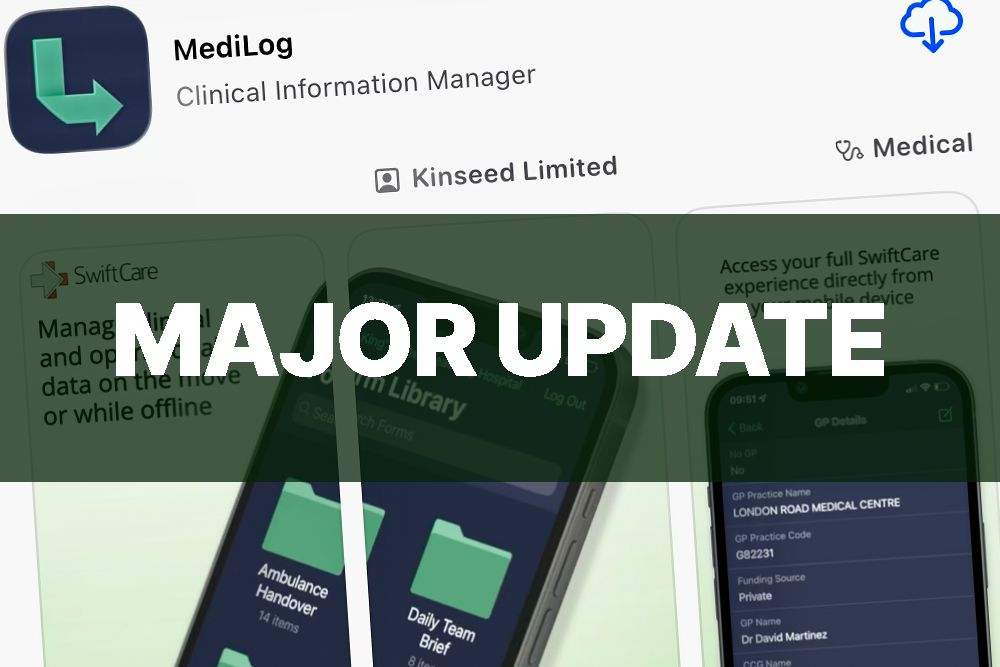
The Kinseed team have been hard at work preparing a major release and update to the MediLog mobile application. This release brings a huge number of improvements and new features, and will make working with your clinical data on the move easier and more powerful than ever before.
There are important steps to take if you have offline data – please read the notes below carefully if you use MediLog Mobile today.
What’s included in this release
MediLog Mobile has been rebuilt from the ground-up to use a much cleaner, more modern, and more powerful set of technology to manage your clinical data on the move. While the entire app has been updated and optimised, all your existing forms and features will work exactly as they did before – you won’t need to learn any new ways of working, and won’t see any features disappear or go missing. However – you will see a lot of new features and capabilities, including:
What you need to do
MediLog Mobile will update This Friday, 3rd August, for all users who currently have MediLog installed. If you have automatic updates turned on, your phone will automatically download the latest version of the app – or you can manually update it by opening the app store on your iPhone and choosing “Updates”.
Important note: If you have offline records which have not yet saved to MediLog on MediLog mobile, you must go online and upload these before the app updates. Offline records left over once the app updates will no longer be able to upload to MediLog, and any unsaved records may be lost.
If you have any questions or queries about the new version of MediLog, please contact a member of our team using the “Contact Us” link above, or through your usual support channels.